



Wait elements allow you to insert a pause in the Flow before executing the next action. The Flow remains on hold until the specified time has elapsed or the defined date has been reached.
Using Wait is essential for building well-timed sequences: for example, you can wait 3 days after sending a welcome email before sending a follow-up, or pause until a specific date to launch a communication at a precise moment.
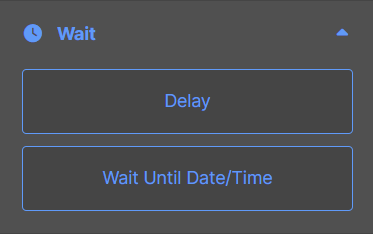
You have two options:
- Delay: insert a delay of a specific duration (minutes, hours, days, or weeks) before executing the next action in the Flow.
- Wait Until Date/Time: the Flow stays on hold until a specific date and time you define, then automatically continues with the next action.
Here’s the list of parameters available for each waiting element:
| Element | Parameters | Meaning of the Parameters |
|---|---|---|
| Delay | Select delay time | For how long the Flow should wait before moving to the next step |
| Wait Until Date/Time | Set expiry time | The Flow waits until the specified deadline before moving to the next step |