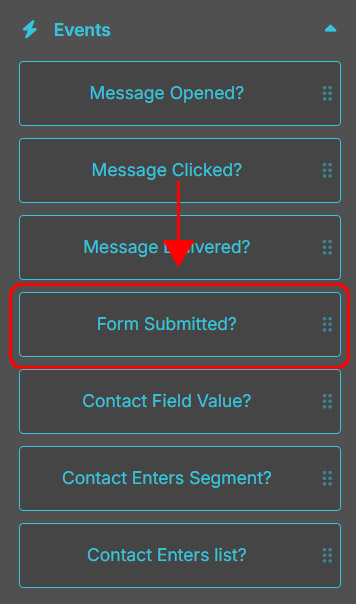
Event “Form Submitted?”: how to configure it in a Flow
The Form Submitted? event allows you to monitor whether a contact fills out and submits a specific form within a time frame you define.
It’s particularly useful for capturing the exact moment a contact takes a concrete action. For example, you can wait for a contact to submit a request form and, if they do, automatically trigger a dedicated follow-up sequence.
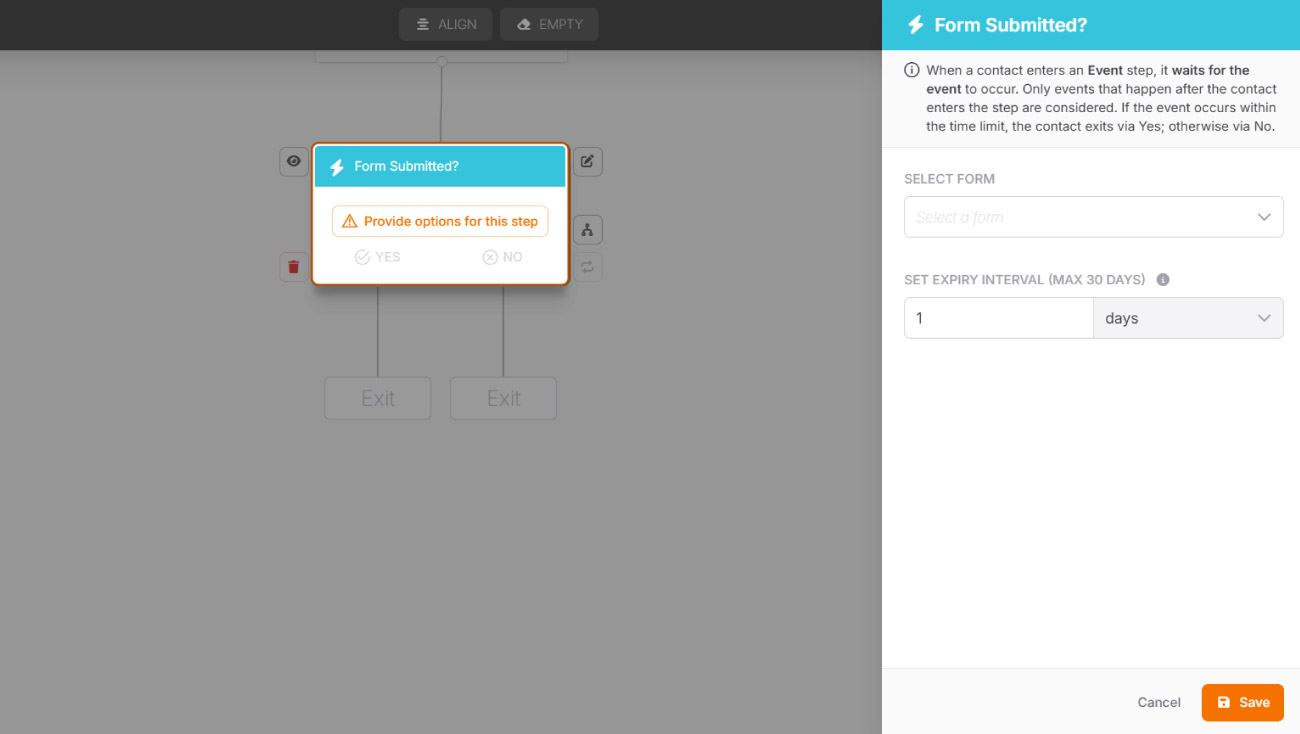
How to configure the "Form Submitted?" event
1. Select the form
Indicate the specific form you want to monitor for submission by the contact.
2. Set the expiry interval
Define the maximum time within which the event must occur (in minutes, hours, days, or weeks). You can set up to 30 days. If the event does not occur within this limit, the contact will automatically follow the No path.
🔀 Next paths.
If the form is submitted within the defined time, the contact will follow the Yes path. Otherwise, they will automatically follow the No path.