


-
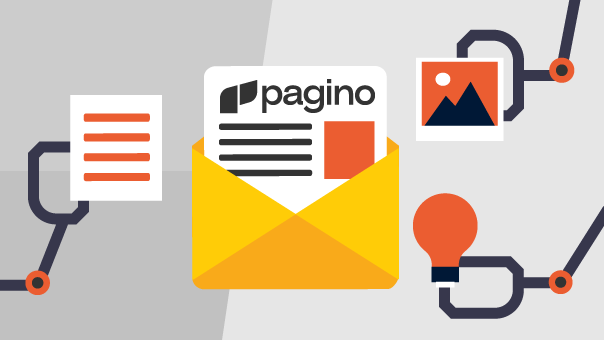
Discover Pagino and start creating complete emails with artificial intelligence!
Pagino is the latest AI tool developed by the makers of Emailchef and TurboSMTP to create your emails from just a few simple text commands. Just describe in plain words what you want to communicate, and Pagino transforms your idea into ready-to-use text, layout, and design that you can customize according to your brand and style. The generated emails can be imported directly into Emailchef and sent to your contacts in just a few clicks, making the creation and sending process faster and easier than ever. Try it now and see how simple it is to turn an idea into an email!
-
Emailchef and Zapier: the integration for unlimited automations has arrived
Starting today, Emailchef integrates with Zapier, allowing you to connect your email campaigns to thousands of apps and services with just one click. Thanks to this integration, you can automatically manage all marketing and contact management activities: update contacts, sync data, trigger email campaigns based on external events or subscriber actions, and much more. All in a simple way and without technical skills. With Emailchef and Zapier, all the apps you use, such as CRMs, social media, forms, or data management tools, can automatically interact with your campaigns. This way, you can centralize information, send targeted messages, and make your automations faster and more effective. ⚡Discover now how to integrate Emailchef with Zapier ⚡
-
Emailchef + Spoki: integrate email and WhatsApp for even more powerful automations
Starting today, Emailchef integrates with Spoki to take your marketing to the next level by combining the power of email with the immediacy of WhatsApp. You can create automated multichannel flows to boost sales, engagement, and loyalty easily, with no technical skills required. This integration lets you automate sending both emails and WhatsApp messages, guiding your customers throughout the entire sales funnel. Thanks to WhatsApp’s speed, you can increase open and conversion rates by personalizing communications with urgent notifications, flash offers, and support messages. Discover more about the Emailchef and Spoki integration!
-
Advanced template management: simplicity and control with Emailchef
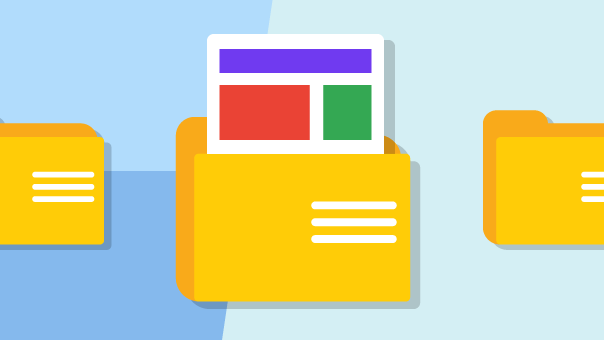
Thanks to the new dedicated features, you can create custom folders and subfolders to keep everything organized and rename templates in just a few clicks for a more intuitive management experience. Additionally, you can quickly find your templates using name or keyword search and preview them on both mobile and desktop. These tools ensure your archive stays organized, even with a large number of templates. Access the Template section now and start simplifying your email management! Discover more about template management with Emailchef.
-
Simplify your sends: easily exclude irrelevant recipients
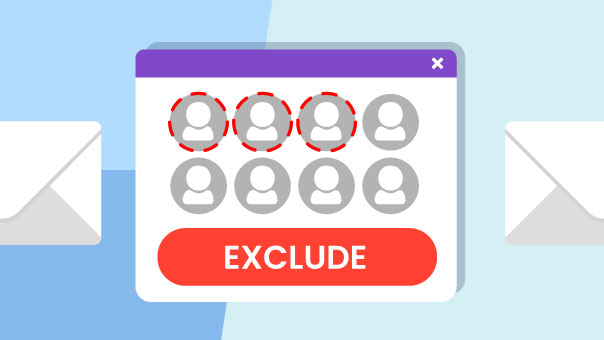
With Emailchef, you can now create even more targeted and personalized email campaigns. When selecting your recipients, you can easily exclude specific contacts by choosing the lists or segments to which you don’t want to send your campaign. This new feature gives you total control over your target, ensuring that your messages reach only the right audience, with a greater impact and more effective results. Try this new feature directly from your dashboard and optimize your marketing strategy with Emailchef! Learn more about the contact exclusion feature.
-
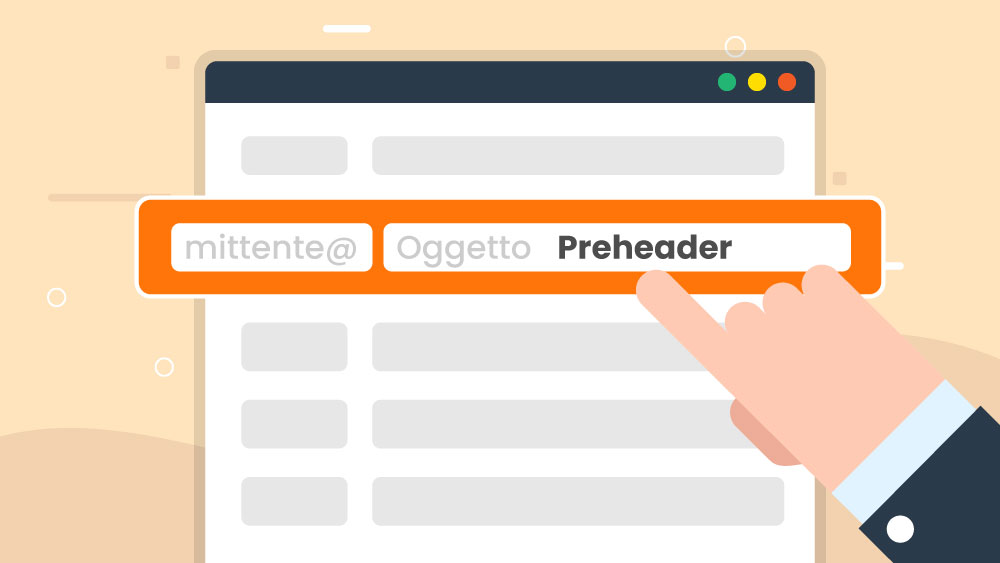
Create effective subject lines and preheaders with Emailchef’s AI.
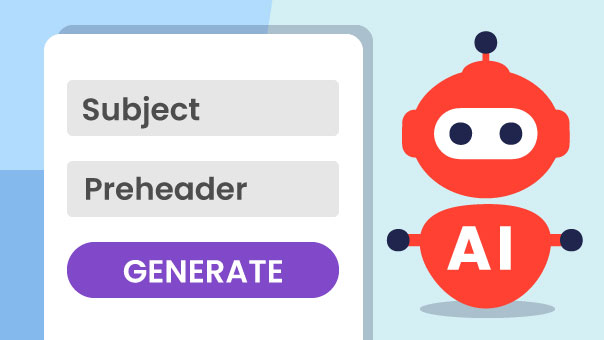
Starting today, Emailchef offers you a new tool for your email marketing! With the AI integrated into your Emailchef account, you can automatically generate tailored subject lines and preheaders. This makes capturing subscribers' attention and boosting your open rates even easier. Simply provide some guidelines on your email content and let Emailchef's AI create optimized texts for your needs, helping you achieve better results in less time. Try the new feature from your dashboard now and improve your email marketing results right away. Learn more about how to use Emailchef's AI to enhance your email campaigns.
-
Discover Emailchef Flow: the new automations from Emailchef are now available!
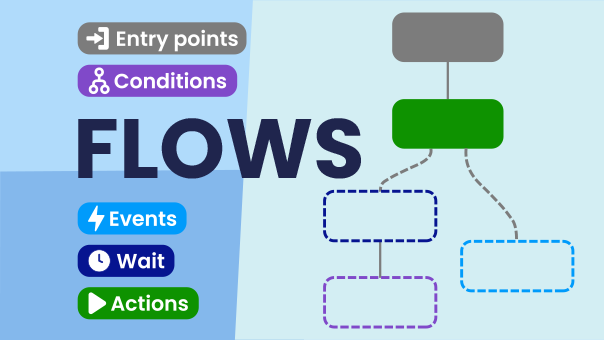
Starting today, creating and customizing automated email journeys is even easier with Emailchef Flow. Thanks to the latest email marketing automation technology, you can build powerful and customizable email flows. In other words, you can create true automated email pathways based on your contacts' actions, their preferences, and conditions you choose. And no technical skills are required. Emailchef Flow gives you maximum control and flexibility to grow your business. You can try it out today within your dashboard! Learn more about Emailchef Flow.
-
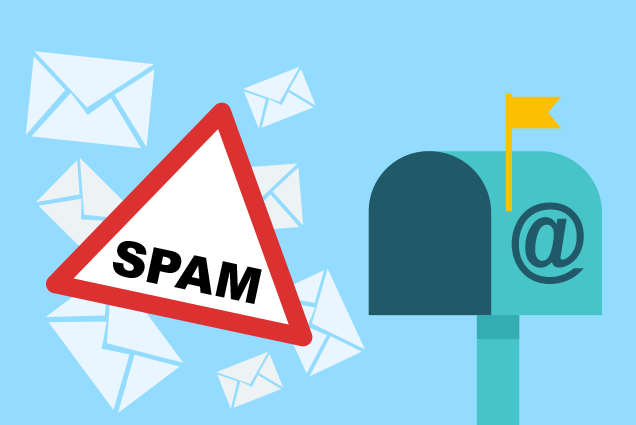
Gmail and Yahoo: New Requirements for Email Marketing in 2024
Starting from February 2024, Gmail and Yahoo have made mandatory what was already one of the best practices for sending marketing emails: domain authentication. In short, anyone sending 5000 or more messages per day to Gmail or Yahoo users must necessarily configure SPF, DKIM, and DMARC records, under penalty of messages not being delivered to the inbox. But what is meant by domain configuration? What are SPF, DKIM, and DMARC records for? And why will it become necessary to configure them? Learn more in the guide about the latest developments in Gmail and Yahoo.
-
What’s new: Create a segment on the fly before sending your campaigns.
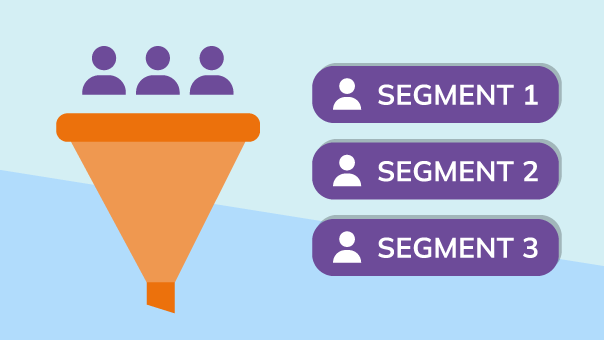
With Emailchef, it is now possible to create a new segment directly during the process of creating your campaign, including autoresponders and drip campaigns. How? When choosing your recipients, simply click on the 'Create segment' option, and you can quickly generate a segment that meets your requirements on the fly. If you forget to create your segment, it will no longer be necessary to interrupt the campaign creation to go back to 'Lists and Segments.' Instead, you can create it directly during the sending phase. Discover now how to use this new feature!
-
What’s new: Use Labels to Organize Campaigns and Automations
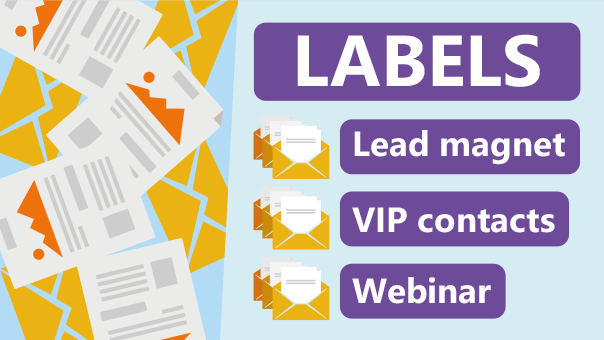
Labels are a simple way to organize your campaigns and automations in Emailchef. They also let you filter your campaigns and automations for easy searching. There are a number of ways to create labels and add them to your campaigns and automations. You’ll also be able to change or remove a label you've created at any time. The labels you’ve created will stay on your campaign regardless of any change in the campaign’s status from draft to scheduled, sent, or archived. Labels also remain on automations whether you enable or disable them. Start using labels now, learn more.