


-
Tracking pixels: open tracking consent is now built into Emailchef
Emailchef now lets you manage your subscribers’ consent to open tracking. Each subscriber can choose whether to be tracked when they open your emails, and keep receiving them either way. The new tools are already active in your account, and they’re designed to help you follow the guidance on tracking pixels that data protection authorities across Europe are publishing.
Subscribers make their choice in just a few clicks from the Update your preferences link in every email, and you always know who is being tracked and who isn’t. You can also ask for consent in your sign-up forms, or send a campaign with no tracking at all.
Requirements vary by country, so check with your privacy advisor what applies to you.
-
Show your campaigns to anyone with the new „Share the campaign“ feature
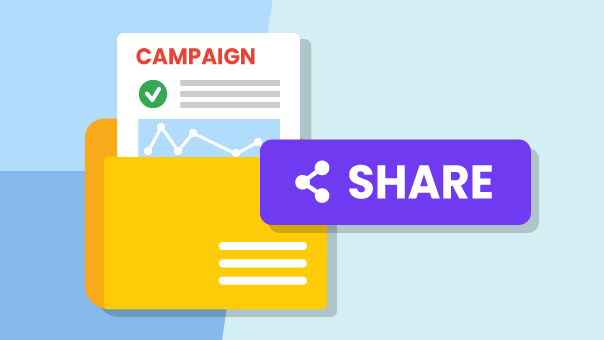
Would you like to get a campaign draft approved, or share its results once it's been sent, without taking screenshots or exporting PDFs? With "Share the campaign" you generate a public link and send it to whoever you want. Whoever opens it will immediately see your campaign (draft, scheduled, sent, or failed), with no need to create an Emailchef account or receive your login credentials.
The link shows the campaign preview and, if it's already been sent, its performance report too, always updated automatically, and always respecting your subscribers' privacy.
Find out how to share your campaigns with a public link

-
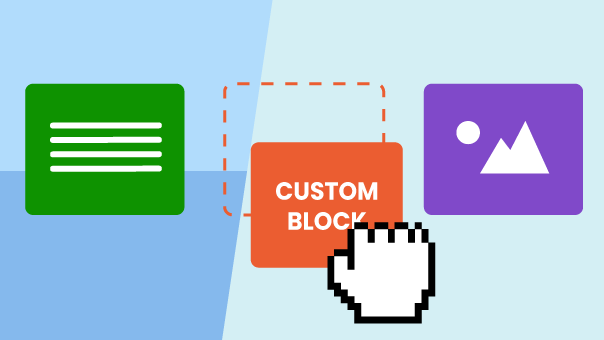
Custom Blocks: save your newsletter elements and reuse them in every campaign.
With Custom Blocks you can save any element you create in the editor (a header, a promotional banner, a footer with social links) and reuse it in your future campaigns in just a few clicks.
Saved blocks are organised into categories that you create and name as you like, so your element library is always structured and ready to use. Categories are fully customisable: you can edit, reorganise and adapt them to your needs at any time.
Discover how to create, save and reuse your custom blocks
-
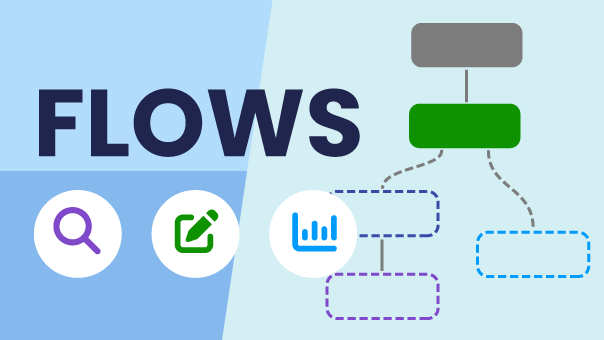
Preview, edit and reports: everything you need to manage your Flows.
From now on, with Emailchef you have a complete view of your automations. Preview mode lets you explore the structure and configuration of every step in read-only mode, without touching anything. When you want to make changes, Edit mode is just one click away: add, move or delete steps, update settings and activate the Flow directly from the editor. And with reports, you always have the data that matters at your fingertips: contacts entered, opens, clicks and step-by-step performance.
-
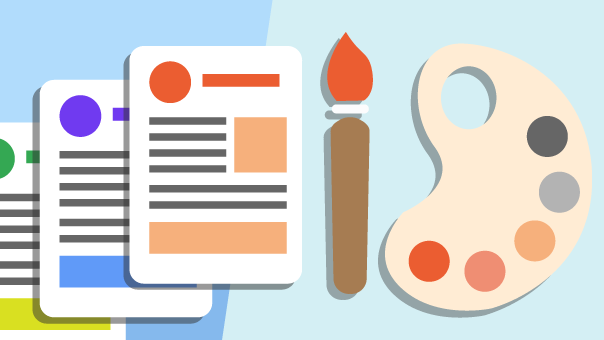
Discover Global Styles: update your whole newsletter design in one go!
From now on, in Emailchef's drag&drop editor you can manage your newsletter's fonts, colors, buttons and background from the new Global Styles panel. Every change is applied automatically to all elements, keeping your template consistent without having to tweak each block manually. You can save your favorite configurations and reuse them in future campaigns in just a few clicks. And if a specific element needs its own style, you can exclude it from Global Styles at any time. Discover how to use Global Styles in the drag&drop editor
-
Entdecke Pagino und beginne, komplette E-Mails mit künstlicher Intelligenz zu erstellen!
Pagino ist das neueste KI-Tool der Entwickler von Emailchef und TurboSMTP, mit dem du deine E-Mails aus nur wenigen einfachen Textanweisungen erstellen kannst. Beschreibe einfach in klaren Worten, was du mitteilen möchtest, und Pagino verwandelt deine Idee in fertigen Text, Layout und Design, das du nach deinem Brand und Stil anpassen kannst. Die generierten E-Mails können direkt in Emailchef importiert und mit wenigen Klicks an deine Kontakte gesendet werden – der Erstellungs- und Versandprozess war noch nie so einfach und schnell. Probier es jetzt aus und entdecke, wie leicht es ist, eine Idee in eine E-Mail zu verwandeln!
-
Emailchef and Zapier: the integration for unlimited automations has arrived
Starting today, Emailchef integrates with Zapier, allowing you to connect your email campaigns to thousands of apps and services with just one click. Thanks to this integration, you can automatically manage all marketing and contact management activities: update contacts, sync data, trigger email campaigns based on external events or subscriber actions, and much more. All in a simple way and without technical skills. With Emailchef and Zapier, all the apps you use, such as CRMs, social media, forms, or data management tools, can automatically interact with your campaigns. This way, you can centralize information, send targeted messages, and make your automations faster and more effective. ⚡Discover now how to integrate Emailchef with Zapier ⚡
-
Emailchef + Spoki: integrate email and WhatsApp for even more powerful automations
Starting today, Emailchef integrates with Spoki to take your marketing to the next level by combining the power of email with the immediacy of WhatsApp. You can create automated multichannel flows to boost sales, engagement, and loyalty easily, with no technical skills required. This integration lets you automate sending both emails and WhatsApp messages, guiding your customers throughout the entire sales funnel. Thanks to WhatsApp’s speed, you can increase open and conversion rates by personalizing communications with urgent notifications, flash offers, and support messages. Discover more about the Emailchef and Spoki integration!
-
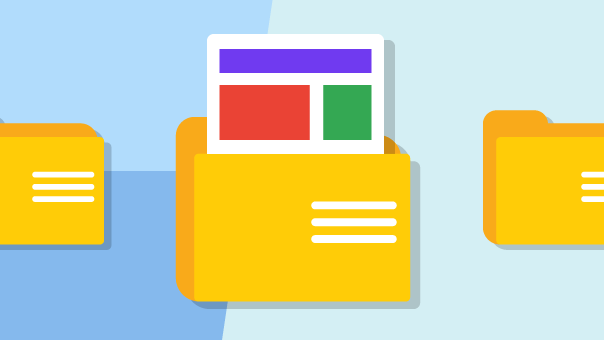
Advanced template management: simplicity and control with Emailchef
Thanks to the new dedicated features, you can create custom folders and subfolders to keep everything organized and rename templates in just a few clicks for a more intuitive management experience. Additionally, you can quickly find your templates using name or keyword search and preview them on both mobile and desktop. These tools ensure your archive stays organized, even with a large number of templates. Access the Template section now and start simplifying your email management! Discover more about template management with Emailchef.
-
Simplify your sends: easily exclude irrelevant recipients
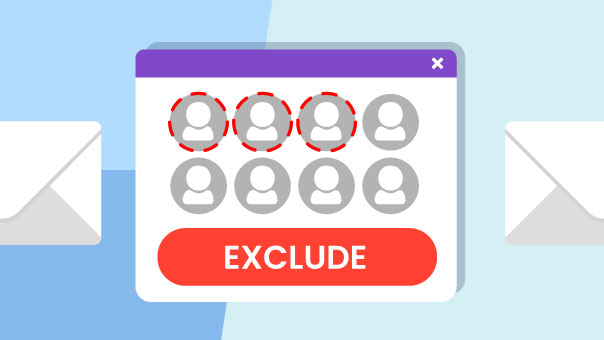
With Emailchef, you can now create even more targeted and personalized email campaigns. When selecting your recipients, you can easily exclude specific contacts by choosing the lists or segments to which you don’t want to send your campaign. This new feature gives you total control over your target, ensuring that your messages reach only the right audience, with a greater impact and more effective results. Try this new feature directly from your dashboard and optimize your marketing strategy with Emailchef! Learn more about the contact exclusion feature.